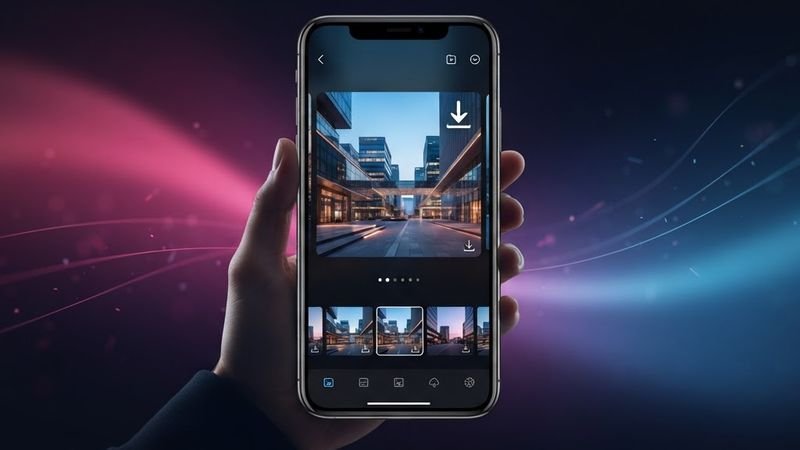
How to Download TikTok Slideshows and Photo Collections
Not every TikTok is a video. TikTok also has photo slideshows — collections of images set to music that users swipe through. These are increasingly popular, but downloading them isn't as straightforward as downloading a video. Here's how to get every image from a TikTok slideshow in full quality.
What Are TikTok Slideshows?
When a user uploads multiple photos to TikTok, the platform creates a slideshow that viewers swipe through manually or watch as an auto-playing carousel with background music. These appear in your feed just like regular videos but are essentially image galleries with audio.
The challenge is that when you try to "Save Video" from within the TikTok app, it either saves the slideshow as a low-quality video compilation or doesn't let you save individual images at all.
How to Download TikTok Slideshow Images
Using TokGrab, you can extract the individual images from a TikTok slideshow:
- Open TikTok and find the photo slideshow you want to download.
- Tap the Share button and select "Copy Link."
- Paste the link into TokGrab and click Download.
- The result will show the slideshow data, including image URLs.
- Click "Download Without Watermark" to get the slideshow content.
Downloading Individual Photos
If the TikTok API returns individual image URLs, you can download each photo separately:
- The cover image is usually the first photo in the slideshow
- Additional images are available through the API response data
- Each image is typically in JPEG format at the original upload resolution
Why Slideshows Are Tricky
TikTok handles photo content differently from video content. When you share a slideshow link, the API response includes different fields:
- Images array — URLs for each individual photo
- Cover — The thumbnail/cover image
- Music — The background audio track
Some downloaders only extract the cover image or convert the slideshow to a video, losing the original photo quality. TokGrab attempts to preserve the original image quality.
Best Quality Tips
- TikTok typically stores slideshow images at 1080p or higher resolution
- If the original photos were uploaded in high resolution, you'll get high-resolution downloads
- The background music can be downloaded separately as an MP3 using the "Download MP3" button
Can I Get the Music from a Slideshow?
Yes! TikTok slideshows always have background music. When you paste the link into TokGrab, the "Download MP3" button will extract the audio track, just like with regular videos. You can then use this audio separately from the images.
Common Issues
"Download" gives me a video instead of images: Some downloaders convert slideshows to video format. This compresses the images and reduces quality. If you need individual photos, check the API response for image URLs.
Some photos are missing: This can happen if the slideshow has many images and some URLs have expired. Try downloading again quickly after getting the link.
Understanding TikTok's Photo Content Types
TikTok has two main types of photo content, and they're handled differently:
- Photo Mode — Users upload multiple photos that viewers swipe through manually. No video compilation is created. Each photo is a separate image.
- Photo Slideshow with Music — Photos are set to auto-play with background music. This creates a video-like experience but is still image-based underneath.
Knowing which type you're dealing with helps you understand what you'll get when downloading.
Extracting Individual Images from Slideshows
When you paste a slideshow URL into TokGrab, the API response includes individual image URLs. Here's how to access them:
- Paste the TikTok slideshow link into TokGrab
- Click Download to process the link
- The response will contain image URLs in the data
- Each URL corresponds to one photo in the slideshow
- Download each image individually for full quality
This gives you the original, full-resolution photos — not a compressed video compilation.
Why Photo Slideshows Are Becoming Popular
TikTok photo slideshows have exploded in popularity because:
- They're easier to create than video content — just upload photos
- They work well for "photo dumps," travel highlights, and before/after content
- Viewers can swipe at their own pace
- They load faster than video on slower connections
- Creators can share high-quality photos that don't compress as much as video
Downloading Slideshow Cover Images
Every TikTok slideshow has a cover image — the thumbnail that appears in the feed. This is usually the first photo in the collection. You can download just the cover image if you don't need all the photos:
- Paste the link into TokGrab
- The cover image URL will be in the response data
- Download it directly for a high-quality thumbnail
Converting Slideshows to Video
If you want the entire slideshow as a single video file (with music), you can:
- Use TokGrab's download feature, which may provide a compiled video version
- Download the individual images and use a video editor to create your own slideshow with custom transitions and timing
- Use CapCut or similar apps to combine photos with music into a video
Creating your own video from the images gives you more control over transitions, timing, and effects.
Wrapping Up
TikTok slideshows are a great format for photo content, and downloading them doesn't have to be complicated. With the right tool, you can save every image in its original quality plus the background music. Give it a try!